SmartSDR v4.2.18 | SmartSDR v4.2.18 Release Notes
SmartSDR v3.10.15 | SmartSDR v3.10.15 Release Notes
The latest 4O3A Genius Product Software:
The latest 4O3A Genius Product Software and Firmware
If you are needing assistance with FlexRadio products, please refer to the product documentation or check the Help Center for known solutions. Need technical support from FlexRadio? It's as simple as creating a HelpDesk ticket.
SmartSDR Manual for v4.1.5 now available


Comments
-
Nice to see an updated manual.
I always prefer a hard copy.
Tom
0 -
You can do that. Download the PDF and head over to Office Depot (I think it is).
When I print mine, in B&W, it is often under $30.
73
0 -
Hi Mike, Nice to see a manual. good work guys!. Have the images been attached to the manual yet?
For Example: In the section of the manual explaining antenna configurations I see many paragraphs referring to "see the image above" but I cannot find any images.
3 -
Same here.
0 -
For those looking for the latest SmartSDR User Guide (including graphics/screenshots and 4.2 updates), here is the link…
0 -
I get a pop-up saying that this link isn't a Flex Radio website.
James
WD5GWY
Never mind! It finally took.
0 -
Hi James, it says that it is not a Flex Community website. It is just a warning on the Vanilla forum software that says that you are leaving the community. It is , in fact, a Flex website.
1 -
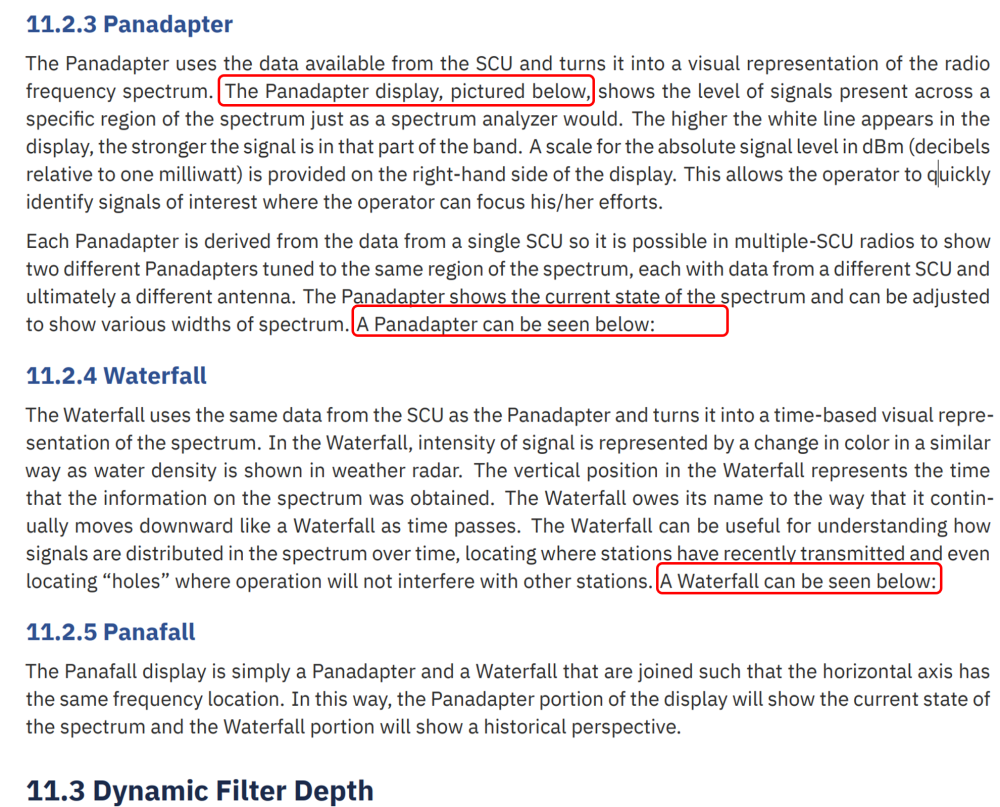
Mike, it needs some touches
 0
0 -
Some touches? But surely the omissions equate to many touches.
There are missing images on pages 25,44,108,109,125,153,156,164,175,193,195,202,208,244,247,261 and others.
There is a table missing on page 198. The text is present but not in tabular form.
On page 208 an image is referenced as 'below' but should be 'above'.
There are more. In my opinion it needs revising.
0 -
Check again. The manual has be re-released.
0 -
Using the link in the first post, it downloads the manual with no illustrations or photos, or graphics of any kind. Maybe providing a new link to the latest version will help.
James
WD5GWY
The second link gets the updated manual. I think it would be good idea to get rid of the first link.
0 -
There are two downloadable SmartSDR Software User Guides. James' advice would seem a good course of action at minimum. Better would be to delete them both and publish a fully corrected final version.
The April release has missing images on pages 25, 26, 44, 108, 109, 156, 195, 202 and 213.
It has an image related to XVTR labelled Radio Transmit on page 25.
On page 50, does the picture really relate to SmartLink Registration? It appears that it does not.
On page 63 the image seems to be part of section 11.2 but is in section 11.3
On page 65 the X/RIT image seems to be irrelevant to the instructions for Pan Edge Tuning.
On page 202 the text regarding the image says 'below' but it is above.
There are pages with a lack of clarity due to text claimed to be in a table but is not.
0 -
Another example of Flex releasing stuff before it's ready.
0 -
Erik, make sure you are look at the April release of the manual. I think you'll find it has been updated.
1 -

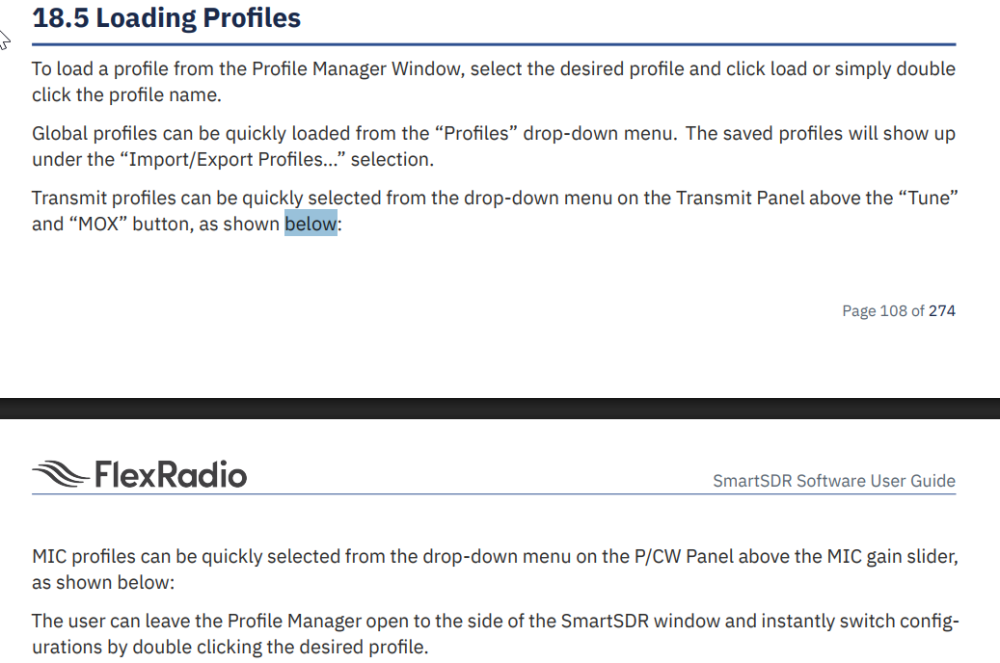
I think you are not correct, Mike. Unless there are more than one April versions. The one I read was v4.1.6 which has numerous errors and omissions, just two of which are shown above. But of course, do not believe me. I am only trying to help. Send the April release to an online document checker as I have just done. It verified my findings and listed some others.
0










Leave a Comment
Categories
- All Categories
- 394 Community Topics
- 2.2K New Ideas
- 670 The Flea Market
- 8.5K Software
- 176 SmartSDR+
- 6.5K SmartSDR for Windows
- 191 SmartSDR for Maestro and M models
- 453 SmartSDR for Mac
- 276 SmartSDR for iOS
- 266 SmartSDR CAT
- 215 DAX
- 389 SmartSDR API
- 9.5K Radios and Accessories
- 80 Aurora
- 320 FLEX-8000 Signature Series
- 7.2K FLEX-6000 Signature Series
- 982 Maestro
- 58 FlexControl
- 869 FLEX Series (Legacy) Radios
- 954 Genius Products
- 474 Power Genius XL Amplifier
- 350 Tuner Genius XL
- 130 Antenna Genius
- 312 Shack Infrastructure
- 218 Networking
- 474 Remote Operation (SmartLink)
- 143 Contesting
- 835 Peripherals & Station Integration
- 146 Amateur Radio Interests
- 1.1K Third-Party Software