SmartSDR v4.2.20 | SmartSDR v4.2.20 Release Notes
SmartSDR v3.10.15 | SmartSDR v3.10.15 Release Notes
The latest 4O3A Genius Product Software:
The latest 4O3A Genius Product Software and Firmware
If you are needing assistance with FlexRadio products, please refer to the product documentation or check the Help Center for known solutions. Need technical support from FlexRadio? It's as simple as creating a HelpDesk ticket.
How do I tune ?

The radio has been replaced by Flexradio!! I now have my 8600M radio being seen by the PC and wow, finally I am hearing some activity on the air. I have not yet transmited. Soon I hope. Old questions answered still here on my activity page so I like being able to go back and refer to them !!
So a couple questions.
- when the freq is off scale is there a faster way to move the tuning line to where I want it? Rolling the mouse wheel takes forever.
- And most importantly, how do I make that internal tuner do its thing? is there a button Im not seeing to make it tune to the freq Im at?
Best Answer
-
Touch the frequency on the radio screen. You will see all kinds of items to change. In the middle there are all the bands. Touch one of them and that will change you to that band. Touch the frequency again to go back. Have you downloaded the manual from the Flex web site? You should try to read it. There is no manual per se for the 8600M but download the one for the 6400M/6600M unless it has been updated recently. In that manual most all pertains to the 8400/M and 8600/M. And as Mike said look at those videos.
2

Answers
-
I found the answer to the tuning issue. manual helped, peeking around better.
I think my antenna is too far out of tune for the radio tuner to handle. Is there a way to test that or see it on screen? My guess is antenna is SWR of 5 to 7, Radio can only handle up to 3. Right?
0 -
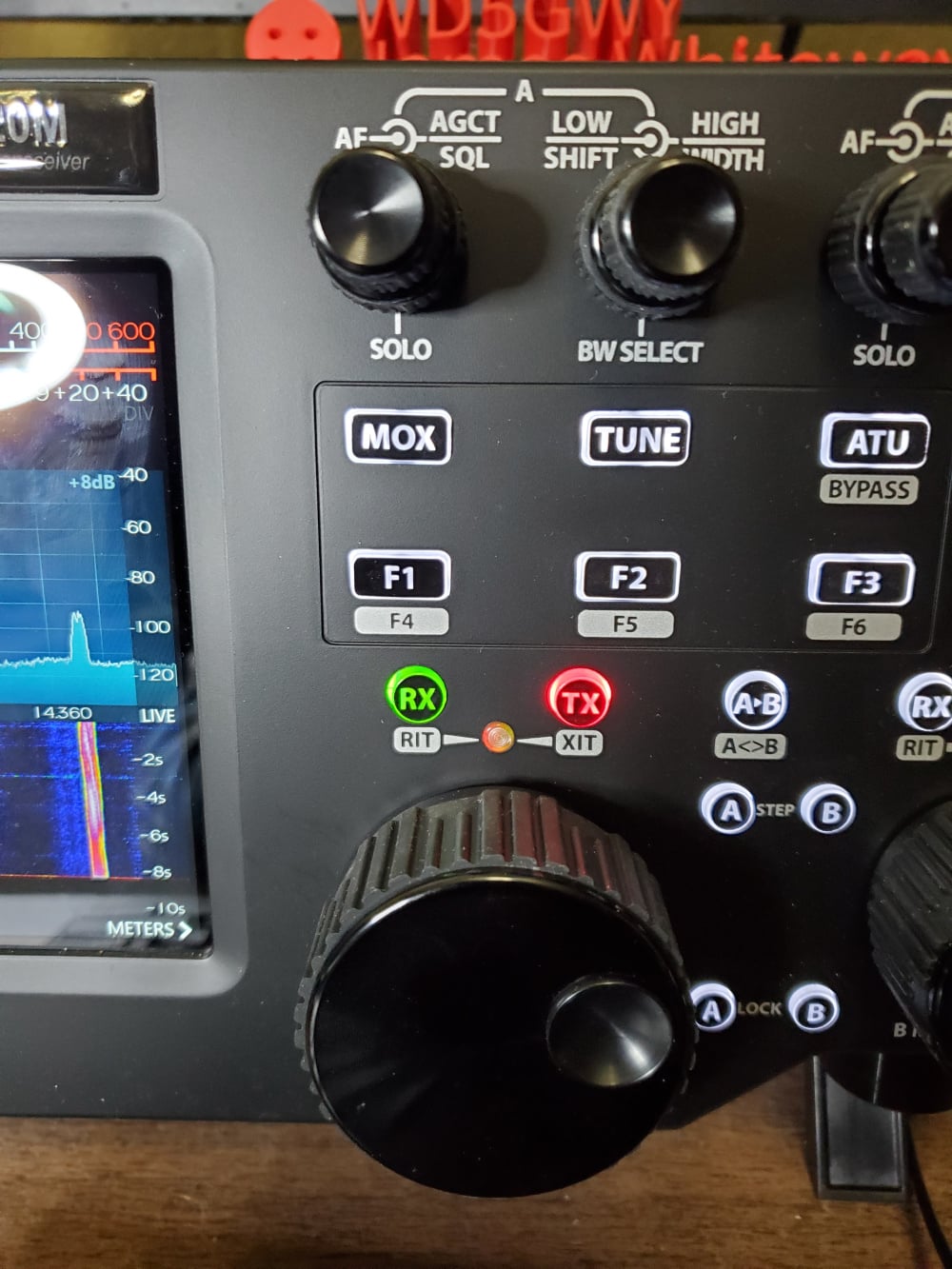
#1. You can use touch tuning by double tapping in the spectrum display near the frequency you want to tune to. Then, fine tune with the vfo knob.
#2. There is a Tune button below the one Low/High knob. And an ATU button to the right of it to put the tuner inline or bypass.
 0
0 -
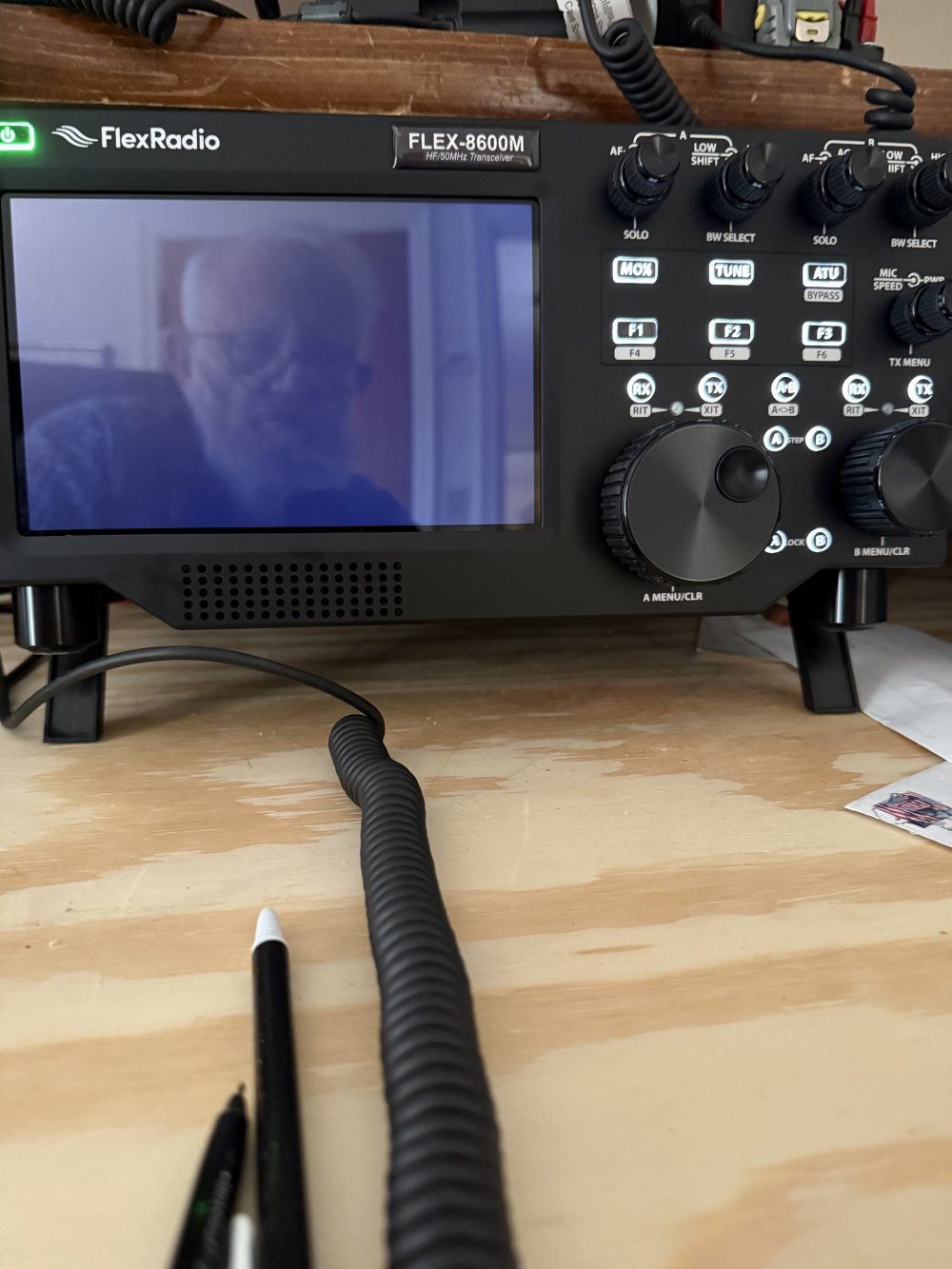
My operation seems to be only from the pc. None of the buttons or display or the radio are on.
Is there a way to have both the pc and the radio and be in sync ?
I havent figured out yet how to switch operation from the pc to the radio itself.
0 -
Turn the tune power down very low. Then touch the meter in the upper left of the screen until it says SWR. Then when you key the radio using the Tune button the meter should indicate what SWR it is seeing. Depending on what antenna you are using, you may need an external tuner with a wider tuning range. That, or use an antenna analyzer to fine tune your antenna if it isn't setup properly for the band you are wanting to operate on.
James
WD5GWY
1 -
Ruarto- can you take a picture of the front of your Flex radio and post it?
0 -
radio all dark, no buttons lit or will light, screen blank. only seeing things on the pc.
0 -
 0
0 -
Have you tried to turn your radio off for a minute or two and then back on? If that doesn't work, you should try factory reset.
2 -
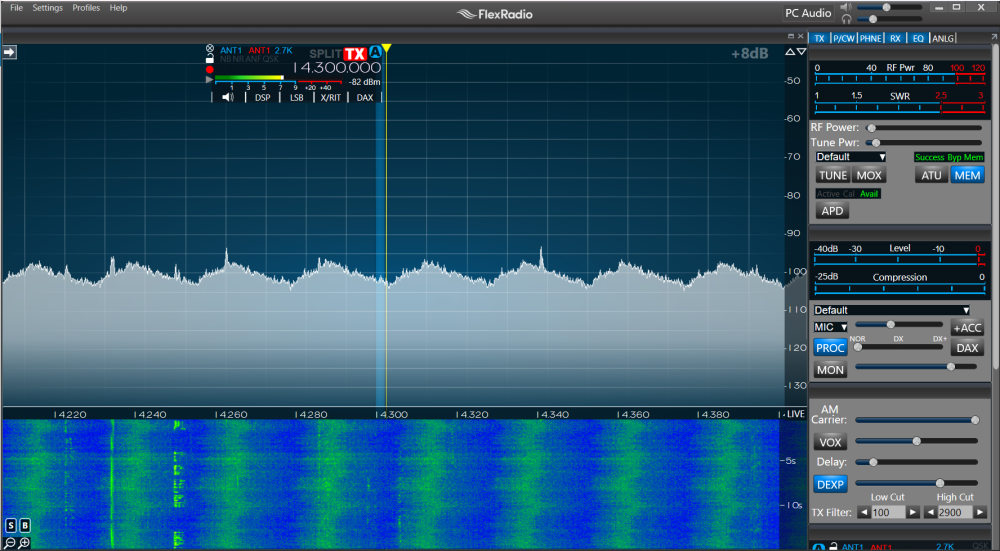
Here is pic of pc screen. Perhaps more meaningful? Still dont know how to turn on the screen etc on the actual radio.
 0
0 -
Has the screen ( front panel) never worked? If not, you need to open a Help Desk ticket and get Flex Radio to check it out. It shouldn't be completely blank even if you select " Disconnect " when starting SmartSDR on your computer.
James
WD5GWY
0 -
When I first turn the 8600M on and let it boot I do get some full screens on the radio. I can tune, but cannot find how to change bands.
0 -
 Mike-VA3MW Administrator, FlexRadio Employee, Community Manager, Super Elmer, Moderator adminOptions
We have a bunch of new user videos here that you might want to grab a beverage and watch. It will give you a great overview.
2 -
Mike's videos are a great help getting going if you are new to the Flex radios.
James
WD5GWY
1 -
In general I dont like video's. So hard to stop at important spots and diagrams etc just so much better for me. But these do seem great and much needed. Thanks.0
-
Because SmartSDR has multilfex feature, which supports two devices to control the radio, the PC and front panel each operate the radio independently, so they don't sync.
0 -
So I could do split … one wattching my net, the other for dx to net?
Could I do HF on one and FT8 on the other?
0 -
Major limitation to be aware of is the transmitter. Some models have one and some have two. But yes, you can receive multiple frequencies at the same time with different modes or the same modes. For DX contests as an example one operator is the run station while the other op is search and pounce for multipliers. They have to coordinate transmitter/antenna use.
1 -
Hi John, quick correction - all Flex radios only have one transmitter. Depending on the model, you will have one or two Spectral Capture Units (SCU). I think this is what you meant.
Ruarto, Yes, you can do that. You can also do the same thing totally within one station connection (SmartSDR or front panel). As John mentioned, the limitation is the transmitter. You can only transmit on one frequency or the other, not both simultaneously.
Since you have the 8600M, you have two SCUs, so you can listen on two different antennas at the same time, even on different bands. You can flip back and forth between frequencies to transmit, just be sure that FT8 doesn't grab the transmitter when you are trying to check in to a net, or that you grab the transmitter when FT8 wants it. It can get confusing very fast.
1



Leave a Comment
Categories
- All Categories
- 401 Community Topics
- 2.2K New Ideas
- 689 The Flea Market
- 8.6K Software
- 196 SmartSDR+
- 6.6K SmartSDR for Windows
- 200 SmartSDR for Maestro and M models
- 460 SmartSDR for Mac
- 279 SmartSDR for iOS
- 268 SmartSDR CAT
- 220 DAX
- 395 SmartSDR API
- 9.6K Radios and Accessories
- 109 Aurora
- 348 FLEX-8000 Signature Series
- 7.2K FLEX-6000 Signature Series
- 999 Maestro
- 58 FlexControl
- 872 FLEX Series (Legacy) Radios
- 975 Genius Products
- 482 Power Genius XL Amplifier
- 358 Tuner Genius XL
- 135 Antenna Genius
- 322 Shack Infrastructure
- 227 Networking
- 483 Remote Operation (SmartLink)
- 145 Contesting
- 847 Peripherals & Station Integration
- 147 Amateur Radio Interests
- 1.1K Third-Party Software